45% of Vibe Coding Has Holes. I Wrote Everything About Prevention Design in the Trilogy Finale
45% of AI-generated code contains security vulnerabilities. Now that the structural problem of the entire industry has been quantified for the first time, I'll explain how to build prevention design into vibe coding as the finale of the trilogy.
What you'll learn in this article
- The key point to grasp before reading the full article
- How the issue changes the way developers should work next
- Which follow-up article is worth opening next
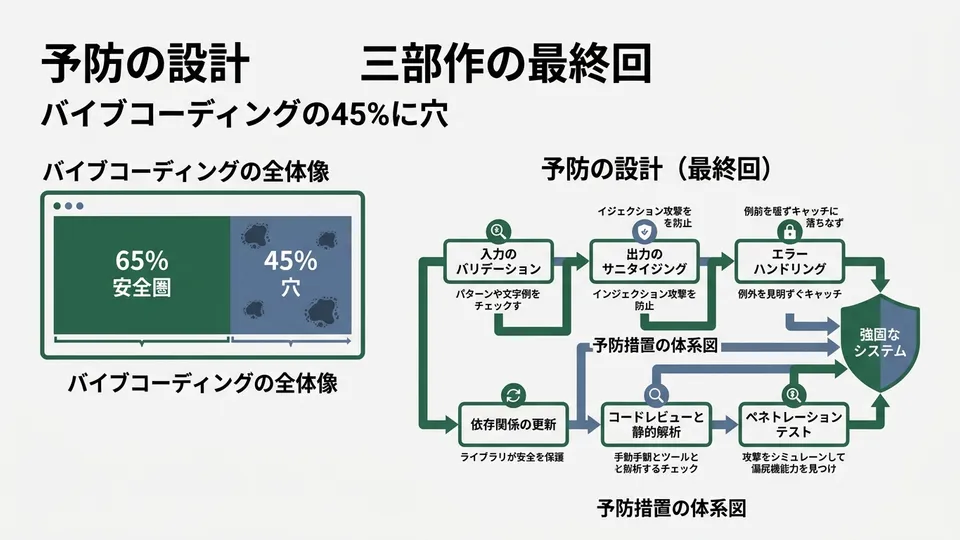
45%.
This number proves why I’ve been writing this trilogy.
In Part 1, I chased down 170 backdoors in apps built with Lovable. In Part 2, I introduced the three steps of “Vibe & Verify”—verifying after generation.
The theme of the finale is the structural problem of the entire industry. 45% of AI-generated code contains security vulnerabilities. This is the number from daily.dev’s research that quantified the risks of vibe coding for the first time.
I’m witnessing the moment “a single incident” transformed into “an industry-wide number.”
In this final installment, I’ll write about “prevention design.” Beyond discovery and verification lies a “mechanism to never create holes in the first place.” I want to put everything out there—how to secure vibe coding without killing its speed.
The True Identity of 45%. Security Risks Visualized as an “Industry Number” for the First Time
45% of AI-generated code has security vulnerabilities. 92% of developers use it, and 60% of new code is AI-made. The problem exists in mainstream coding, not in any specific tool.
Lovable’s 10.3% was shocking. Still, there was room to brush it off as “just one platform’s problem.”
This 45% leaves no such room.
According to daily.dev’s research, 45% of AI-generated code contains security vulnerabilities. This isn’t about Lovable alone. It’s data spanning all major vibe coding tools.
Let me put the scale into perspective.
- 92% of US developers use vibe coding daily
- 60% of new code in 2026 is AI-generated
- Of that, 45% contains security vulnerabilities
Multiply them and the picture becomes clear. A significant portion of newly written code worldwide has holes in it.
According to GitHub’s Octoverse 2024, AI-generated code reached 41% of the total. The total volume is 25.6 billion lines. CodeRabbit’s analysis of 470 PRs revealed that AI-coauthored code contains 1.7x more critical issues.
The 45% figure elevates individual findings to “an industry-wide structural problem.”
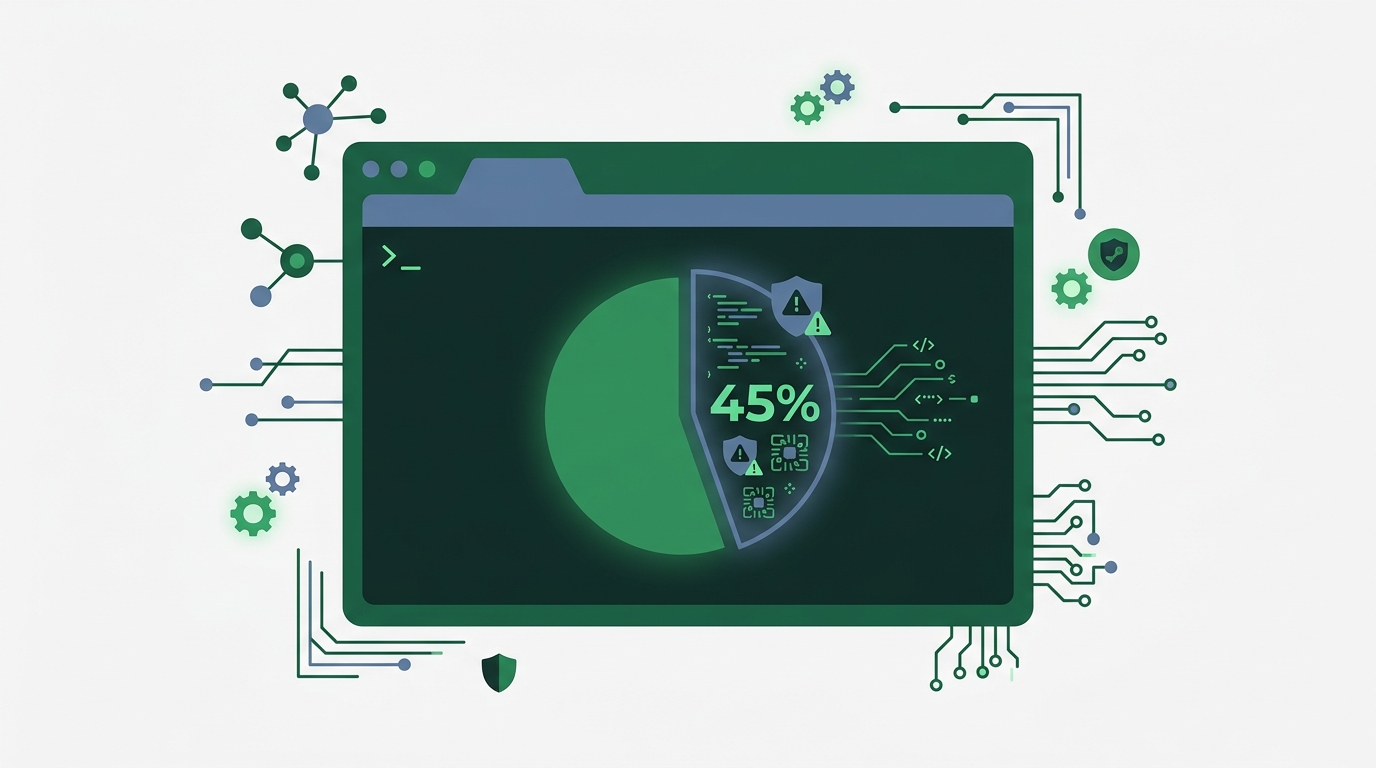
Let me be honest. The primary source for 45% is daily.dev’s article. Some details about sample size and vulnerability definitions aren’t publicly available. Rather than taking the number at face value, the right stance is to read it as a trend showing “risk is becoming visible across the industry.”
Even so, the significance of this number emerging is huge. “One app has a hole” and “nearly half the industry has holes” demand fundamentally different scales of countermeasures.
The Trilogy Map. What Discovery → Verification → Prevention Revealed
Part 1 made us aware of “the incident,” Part 2 gave us “the verification framework.” The finale completes the picture with “the prevention mechanism.” It’s the same structure as customer success incident response.
The trilogy started by accident.
I remember when Lovable’s vulnerabilities were reported in late March. The moment I read the data—1,645 apps scanned, 170 with holes—I knew I had to write about it. That became Part 1: “170 Backdoors”.
After finishing, the question “So how do I check my own code?” lingered. The answer was Part 2: “Vibe & Verify”. Separate generation and verification into different sessions. Have AI explain its intent. Build tests for the cases that break. I proposed a way to cycle through three verification steps in 10 minutes.
However, verification is reactive by nature. It’s the work of patching holes after they’ve appeared.
Looking at the 45% figure, I realized something. Patching after the fact won’t keep up. What’s needed is a mechanism designed to prevent holes from being created in the first place.
| Part | Theme | Role |
|---|---|---|
| Part 1 (4/1) | Lovable’s 170 Backdoors | Discovery. Knowing what’s happening |
| Part 2 (4/14) | Vibe & Verify 3 Steps | Verification. How to check after generation |
| Part 3 (this one) | Prevention Design | Prevention. A mechanism to never create holes |
Coming from a CS background, the structure clicks for me. This flow matches the customer success incident response pipeline exactly. “Incident occurs → root cause analysis → prevention measures.” Part 1 was the incident report, Part 2 was the analysis, and this time is about prevention.
Knowing the problem isn’t enough. Having the means to verify isn’t sufficient either. Only when prevention becomes a system can vibe coding finally become “a tool you can use with peace of mind.”
Prevention Design, Three Layers. End-to-End Protection from Prompts to CI/CD
Prevention has a three-layer structure: prompts → templates → automated gates. I’ll show you how to embed security as a system while maintaining vibe coding’s speed.
“Prevention design” might sound exaggerated. I thought so too at first.
When I actually tried it, it was simpler than I’d imagined. Breaking it into three layers makes it easier to organize.
Layer 1: Burn Security Requirements into Your Prompts
This is the easiest method, and the most effective.
When having AI write code, “Create a user registration API” isn’t enough—I learned this in Part 1. The reason RLS went to production unconfigured was exactly this.
# NG: Conveying only the feature
"Create a user registration API"

# OK: Conveying security requirements as well
"Create a user registration API.
 Requirements:
 - Enable RLS. Set a policy so users can only read/write their own data
 - Get API keys from environment variables (no hardcoding in frontend)
 - Process user input with parameter binding
 - Set rate limiting (10 requests per minute max)"
The difference is dramatic. In the Lovable case from Part 1, unconfigured RLS led to data leaks for 18,000 people. It was a problem that could have been prevented by adding a few lines to the prompt.
I now write security requirements as defaults in a CLAUDE.md file. Claude Code automatically reads CLAUDE.md from the project root. I love that I no longer have to write security requirements in every prompt.
# Example security defaults added to CLAUDE.md

## Security Requirements (apply to all code)
- Always enable RLS when creating database tables
- Get secrets from environment variables. No hardcoding
- Always sanitize user input before processing
- Set middleware for endpoints requiring authentication
- Do not include stack traces in error responses
Write it once, and it applies to every request in that project. The biggest benefit, I feel, is that the risk of “forgetting to write security requirements” disappears entirely.
Layer 2: Turn VibeContract into a Security Template
Remember VibeContract from Part 1? It’s a mechanism that works like a “contract” with AI.
Back then I only introduced the concept. This time I’ll share the actual template I’m using in production.
# vibecontract-security.yaml
# Security contract template for vibe coding

version: "1.0"
project: "my-app"

security_contracts:
  database:
    - "Enable RLS on all tables"
    - "Policies follow the principle of least privilege"
    - "Admin role policies defined separately"

  secrets:
    - "Get API keys and tokens from .env"
    - "Include .env file in .gitignore"
    - "Only ANON_KEY can be passed to frontend"

  input_validation:
    - "SQL queries require parameter binding"
    - "XSS escape processing for HTML rendering"
    - "MIME type validation for file uploads"

  authentication:
    - "Set rate limiting on auth endpoints"
    - "Token expiration within 24 hours"
    - "Hash passwords with bcrypt"
Just place this YAML file in the project root. When asking AI for code generation, add “follow the contract in vibecontract-security.yaml.” Security requirements get applied automatically.
The key is writing in YAML format. It’s readable for both humans and AI. A secondary benefit is that when new members join the project, they can grasp the security policy at a glance.
Layer 3: Block Holes Before Deployment with CI/CD
The last layer is automation. Humans forget. AI omits things without instruction. So there’s no choice but to prevent it through systems.
# GitHub Actions example: Integrate security scanning into CI
# .github/workflows/security-scan.yml

name: Security Scan
on: [push, pull_request]
jobs:
  scan:
    runs-on: ubuntu-latest
    steps:
      - uses: actions/checkout@v4

      # Supabase RLS check
      - name: Check RLS policies
        run: |
          # Search for CREATE TABLE in migration files
          # Detect tables without RLS enabled
          TABLES=$(grep -rn "CREATE TABLE" supabase/migrations/ \
            | grep -oP 'CREATE TABLE \K\w+')
          for table in $TABLES; do
            if ! grep -q "ENABLE ROW LEVEL SECURITY" \
              supabase/migrations/*; then
              echo "ERROR: RLS not configured for $table"
              exit 1
            fi
          done

      # Secret leak check
      - name: Scan for exposed secrets
        uses: trufflesecurity/trufflehog@main
        with:
          path: ./
When this workflow runs, tables without RLS and leaked secrets get detected at the pull request stage. You can block holes before they reach production.
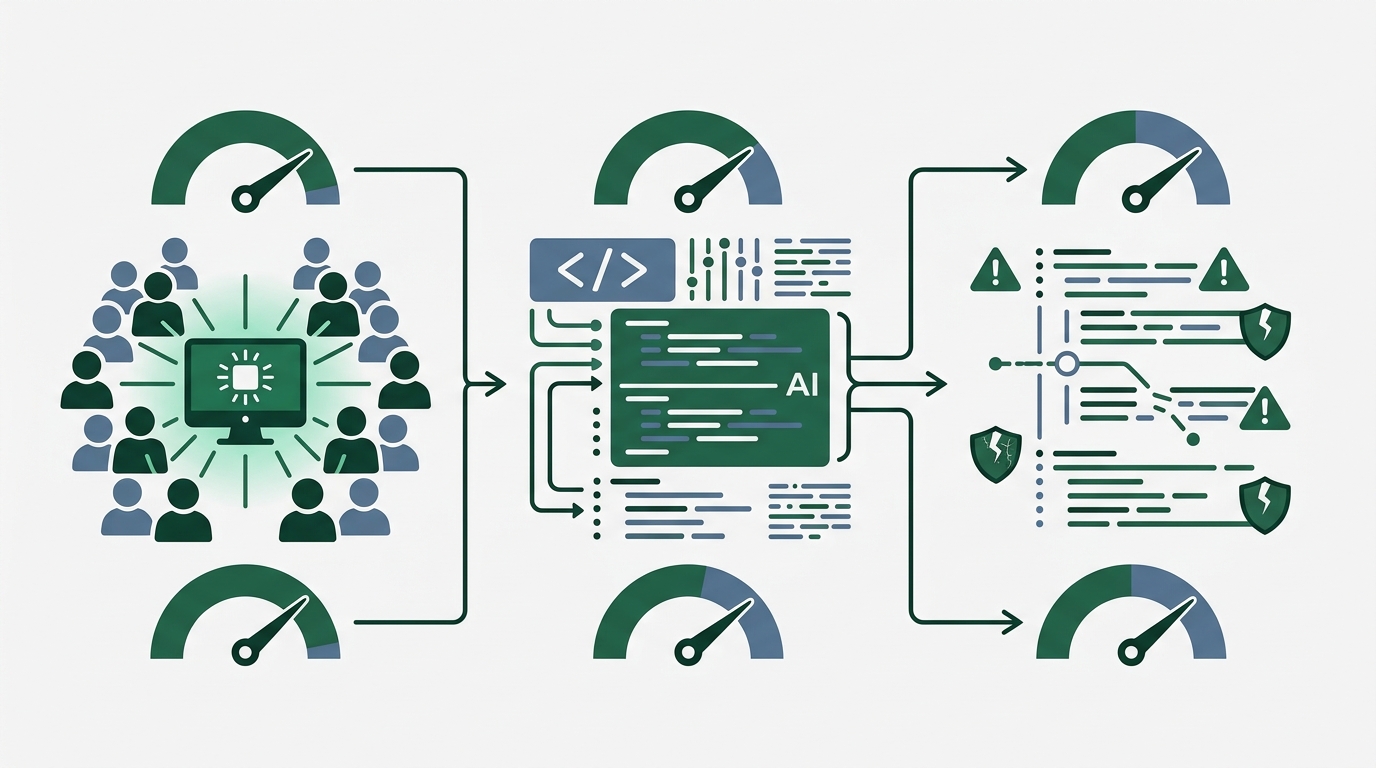
You don’t need to implement all three layers. I feel that just improving Layer 1 prompts can eliminate a significant portion of the 45% risk. Start with whichever layer fits your scale.
Diagnose Your Code Today. How to Check Whether You’re in the 45%
Adding to Part 2’s Vibe & Verify 3 Steps, I’ve prepared a diagnostic checklist to confirm “whether prevention is working.” Takes 5 minutes.
Even if you’ve implemented prevention mechanisms, you can’t feel safe without confirming “is it actually working?”
Part 2 covered post-generation verification. This time it’s about confirming prevention is operational. Try checking these 5 items on your project at hand.
| # | Check Item | Method | Expected Result |
|---|---|---|---|
| 1 | Does CLAUDE.md have security requirements? | Open the file and verify visually | RLS, secrets, and input validation are all listed |
| 2 | Is .env included in .gitignore? | cat .gitignore | grep .env | Hit found |
| 3 | Are secrets exposed in the frontend? | grep -r "sk-|AKIA|stripe_sk" src/ | No hits |
| 4 | Is RLS enabled on the database? | Check on Supabase dashboard | All tables Enabled |
| 5 | Is security scanning in CI? | Check .github/workflows/ | Scan job exists |
If all 5 items pass, you’re at a safe distance from the 45% holes. If even one is caught, it’s best to address it today.
Let me share a pitfall up front. Check 3’s grep should also target built files (dist/ or build/). Even if it’s not in the source code, some frameworks inline-expand environment variables at build time. Next.js’s NEXT_PUBLIC_ prefix is a typical example. These are “intended-for-public” variables, so you must never put secrets in them.
One more caveat. Don’t let your guard down even if Check 4 shows RLS as “Enabled.” As I wrote in Part 1, Lovable 2.0’s scanner only checks “whether it’s enabled.” Whether it “functions correctly” was unverified. You need to check the policy contents themselves.
The View Beyond “It Works = OK.” Thoughts After Finishing the Trilogy
I don’t aim for perfect security. Just plugging the critical holes is enough. Prevention design doesn’t kill vibe coding’s speed—it accelerates it.
My philosophy hasn’t changed. “Just build something that works” is the starting point.
What I learned through the trilogy is that “it works = OK” and “leaving holes = OK” are completely different. Working is the basic premise. On top of that, plug only the critical holes from the start.
Once, I thought I could never match professional engineers. That’s still true. In deep architectural design, I’m nowhere near the skilled engineers I met back in the day.
On the other hand, checking whether your own app has holes is work that doesn’t require a pro. Write 5 lines of security requirements in CLAUDE.md. Copy-paste a VibeContract template. Add one scan job to CI. None of these take more than 10 minutes.
Looking at the 45% figure, honestly, it scared me.
But at the same time, I feel hope.
Because the cause is clear. Unconfigured RLS. Exposed secrets. Inadequate input validation. The same causes recur consistently from Part 1 to Part 3. When the cause is known, countermeasures can be clearly designed.
METR’s RCT reported that AI assistance slowed work by 19%. The cause was increased review time from blindly trusting AI’s suggestions. I believe that introducing prevention design itself reduces this verification burden. Since safe code is generated from the start, fewer post-check items should be needed.
Prevention isn’t “a mechanism that slows development.” It’s the work of paving “roads where you can run fast and safely.”
When I started writing the trilogy, I didn’t want to say “vibe coding is dangerous.” My motivation was “I want to share how to use it safely.” Lovable’s 170 backdoors, the 45% vulnerabilities—I receive these as signals saying not “stop” but “evolve.”
The sensation of having a skilled engineer dwell inside you is real. I still believe this without doubt. Thanks to AI, I—someone who had given up once—can write code again. I have no intention whatsoever of letting go of this experience.
But you put the safety devices on yourself. That’s the conclusion of the trilogy.
Summary: Plugging the 45% of Holes with 3 Layers
The vibe coding × security trilogy is complete.
In Part 1, we learned about 170 backdoors. In Part 2, we got the verification framework. In this finale, we’re assembling prevention design in three layers.
- Layer 1 (Prompts): Write security requirements in CLAUDE.md once, and they automatically apply to all requests. The easiest and most effective
- Layer 2 (Templates): Define security contracts with VibeContract. Just place a YAML file in the project root to operate it
- Layer 3 (Automated Gates): Integrate security scanning into CI/CD. Block unconfigured RLS and exposed secrets before deployment
In a world where 45% of AI-generated code has vulnerabilities, the responsibility to protect your code lies with you. You don’t need to aim for perfection. Plug the critical holes. That alone is enough, I believe.
Through the trilogy, one conviction has strengthened. I didn’t want to write an article that concludes “vibe coding is dangerous, so quit.” Instead, I wanted to prove that “with safety devices attached, you can run even faster.” This 3-layer design is one answer to that.
To everyone who read all three parts, I want to express my renewed gratitude. To everyone building something with vibe coding, I’ll close the trilogy with one parting message: “How about building it once more, this time with safety devices on?”
References

正直、一度エンジニアは諦めました。新卒で入った開発会社でバケモノみたいに優秀な人たちに囲まれて、「あ、私はこっち側じゃないな」って悟ったんです。その後はカスタマーサクセスに転向して10年。でもCursorとClaude Codeに出会って、全部変わりました。完璧なコードじゃなくていい。自分の仕事を自分で楽にするコードが書ければ、それでいいんですよ。週末はサウナで整いながら次に作るツールのこと考えてます。